mkfifo command.


$ls -l jeffrin
ls: cannot access jeffrin: No such file or directory
$mkfifo jeffrin
$ls -l jeffrin
prw-r--r-- 1 jeffrin jeffrin 0 Oct 12 00:02 jeffrin
$
$ls -d > jeffrin

"another terminal"
$cat < jeffrin
.
$

A “FIFO” is a special file type that permits independent processes
to communicate. One process opens the FIFO file for writing, and
another for reading, after which data can flow as with the usual
anonymous pipe in shells or elsewhere.
Reference/Source :
Debian coreutils documentation using “info command”.
For further reading :
http://www.linuxjournal.com/article/2156

base64 encoding


$file a.out
a.out: ELF 64-bit LSB executable, x86-64, version 1 (SYSV), dynamically linked (uses shared libs), for GNU/Linux 2.6.18, not stripped
$base64 a.out > ascii.txt
$tail -n 5 -f ascii.txt
X19lcnJub19sb2NhdGlvbkBAR0xJQkNfMi4yLjUAX19ic3Nfc3RhcnQAX19nY292X3dyaXRlX3N1
bW1hcnkAX19nY292X3JlYWRfY291bnRlcgBzdHJjcHlAQEdMSUJDXzIuMi41AF9lbmQAZmNsb3Nl
QEBHTElCQ18yLjIuNQBzdGRlcnJAQEdMSUJDXzIuMi41AGFjY2Vzc0BAR0xJQkNfMi4yLjUAZndy
aXRlQEBHTElCQ18yLjIuNQBfZWRhdGEAZnByaW50ZkBAR0xJQkNfMi4yLjUAZmNudGxAQEdMSUJD
XzIuMi41AG9wZW5AQEdMSUJDXzIuMi41AG1rZGlyQEBHTElCQ18yLjIuNQBtYWluAF9pbml0AA==
^C
$tail -n 5 -f a.out
@
@
@.
@>
@N
@^
@n

That was a peice from a.out may be not exactly 5 lines.

Base64 is a group of similar encoding schemes that represent binary
data in an ASCII string format by translating it into a radix-64
representation. The Base64 term originates from a specific MIME
content transfer encoding.
Reference/Source :
http://en.wikipedia.org/wiki/Base64

a simple hack related to xargs

$ls robinsons.iso
$ls | grep robinsons.iso | xargs rm
$ls robinsons.iso
ls: cannot access robinsons.iso: No such file or directory
$

xargs - build and execute command lines from standard input
This  manual  page  documents  the  GNU  version of xargs.  
xargs reads items from the standard input, delimited by blanks 
(which can be protected with double or single quotes or a backslash)
or newlines, and executes the command (default is /bin/echo) one or 
more times with any initial-arguments followed by items  read  
from  standard input.  Blank lines on the standard input are 
ignored. Because  Unix   filenames  can contain blanks and newlines,
this default behaviour is often  problematic; filenames containing 
blanks and/or newlines are incorrectly processed by xargs. In these
situations it is better to use the -0 option, which prevents such
problems. When using this option you will need to ensure that the 
program which produces the input for xargs also uses a null character
as a separator.  If that program is GNU find for example, the -print0
option does this for you.

Reference/Source :
Debian manual page for "xargs".

[x]args build and execute +

$ls robinsons.iso
robinsons.iso
$ls | grep robinsons.iso | xargs rm
$ls robinsons.iso
ls: cannot access robinsons.iso: No such file or directory
$

xargs – build and execute command lines from standard input
This manual page documents the GNU version of xargs. xargs reads items
from the standard input, delimited by blanks (which can be protected with double or single
quotes or a backslash) or newlines, and executes the command (default is /bin/echo)
one or more times with any initial-arguments followed by items read from standard
input. Blank lines on the standard input are ignored.
Because Unix filenames can contain blanks and newlines, this default behaviour is often
problematic; filenames containing blanks and/or newlines are incorrectly processed by xargs.
In these situations it is better to use the -0 option, which prevents such problems.
When using this option you will need to ensure that the program which produces the input
for xargs also uses a null character as a separator. If that program is GNU find for example,
the -print0 option does this for you.
Reference/Source :
Debian manual page for “xargs”.

system engineering

Software engineering occurs as a consequence of a process
called system engineering.Instead of concentrating solely on
software, system engineering focus on a variety of elements,
analyzing,designing and organizing those elements into a system
that can be a product,a service or a technology for the transformation
of information and control.
The system engineering process is called business process
engineering when the context of the engineering work focuses
on a business enterprise.When a product(In this context,
a product includes every thing from a wireless telephone to
an air traffic control system) is to be built,the process is called
product engineering.
Reference/Source:
Software Engineering. A Practitioner’s Approach.
Fifth Edition. Roger S. Pressman, Ph.D.

microscopic organisms


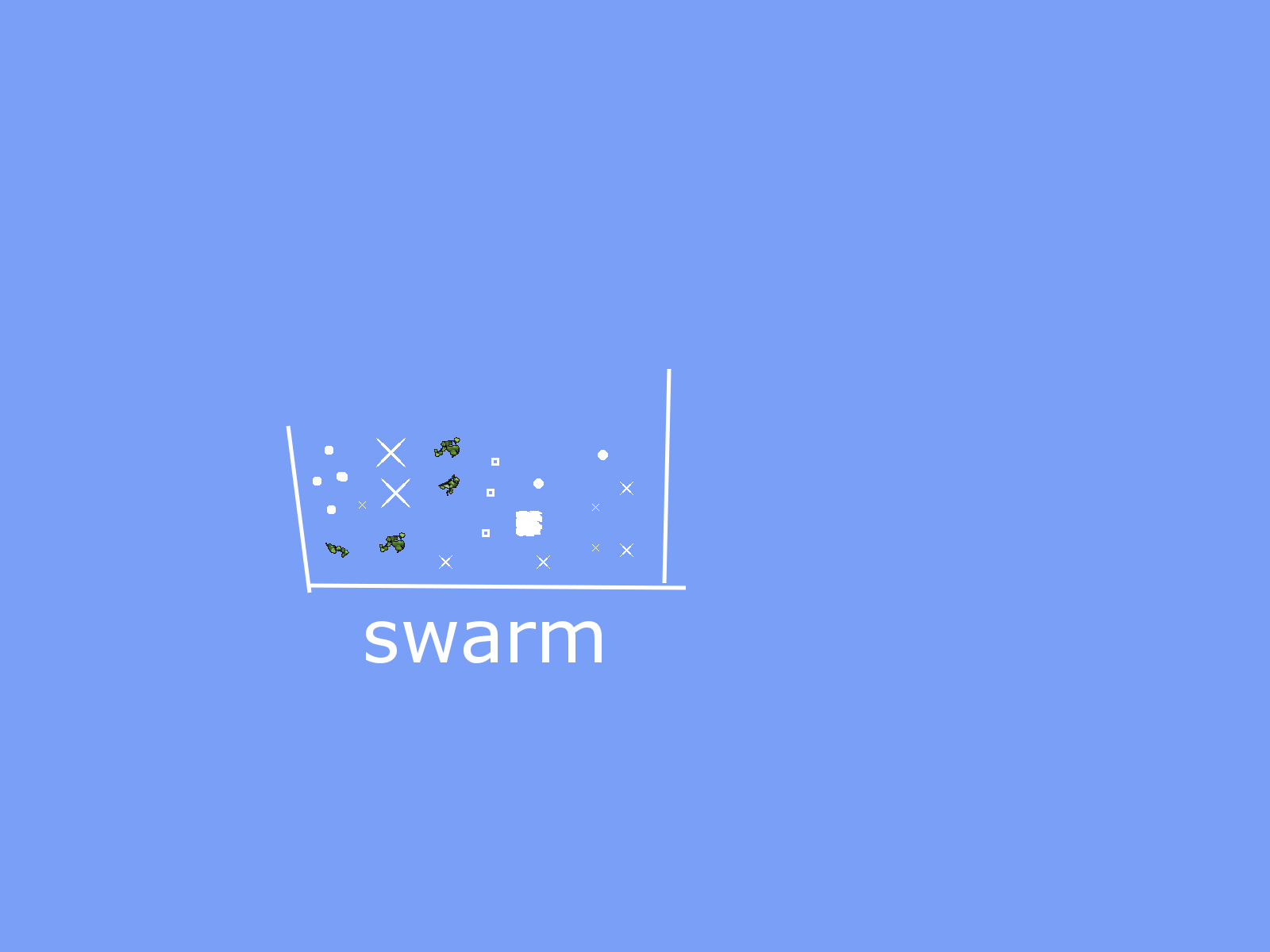
Many of the microscopic organisms that swarm and multiply in our ponds
are clearly visible with an ordinary school microscope. A closer look at
microscopic organisms may challenge existing ideas about the
differences between plants and animals and reinforce key ideas about
the importance of each in ecosystems.

Reference/source :
http://www.practicalbiology.org/areas/introductory/cells-to-
systems/microscopic-organisms/


$nospace workethics.txt
Remove whitespace from an ASCII text file
ASCII text output file [workethics.nospace]:
$diff workethics.txt workethics.nospace
1,4c1,4
< Work
< ethics
< in
Work
> ethics
> in
> QA
$
Reference/Source :
nospace is a command from "emboss" software suite.

pinky – lightweight finger


$pinky
Login Name TTY Idle When Where
jeffrin Jeffrin Jose *tty7 00:28 2010-09-27 15:33 :0
jeffrin Jeffrin Jose *pts/0 2010-09-27 15:40 :0.0
jeffrin Jeffrin Jose pts/1 2010-09-27 16:00 :0.0
$pinky jeffrin
Login Name TTY Idle When Where
jeffrin Jeffrin Jose *tty7 00:28 2010-09-27 15:33 :0
jeffrin Jeffrin Jose *pts/0 2010-09-27 15:40 :0.0
jeffrin Jeffrin Jose pts/1 2010-09-27 16:00 :0.0
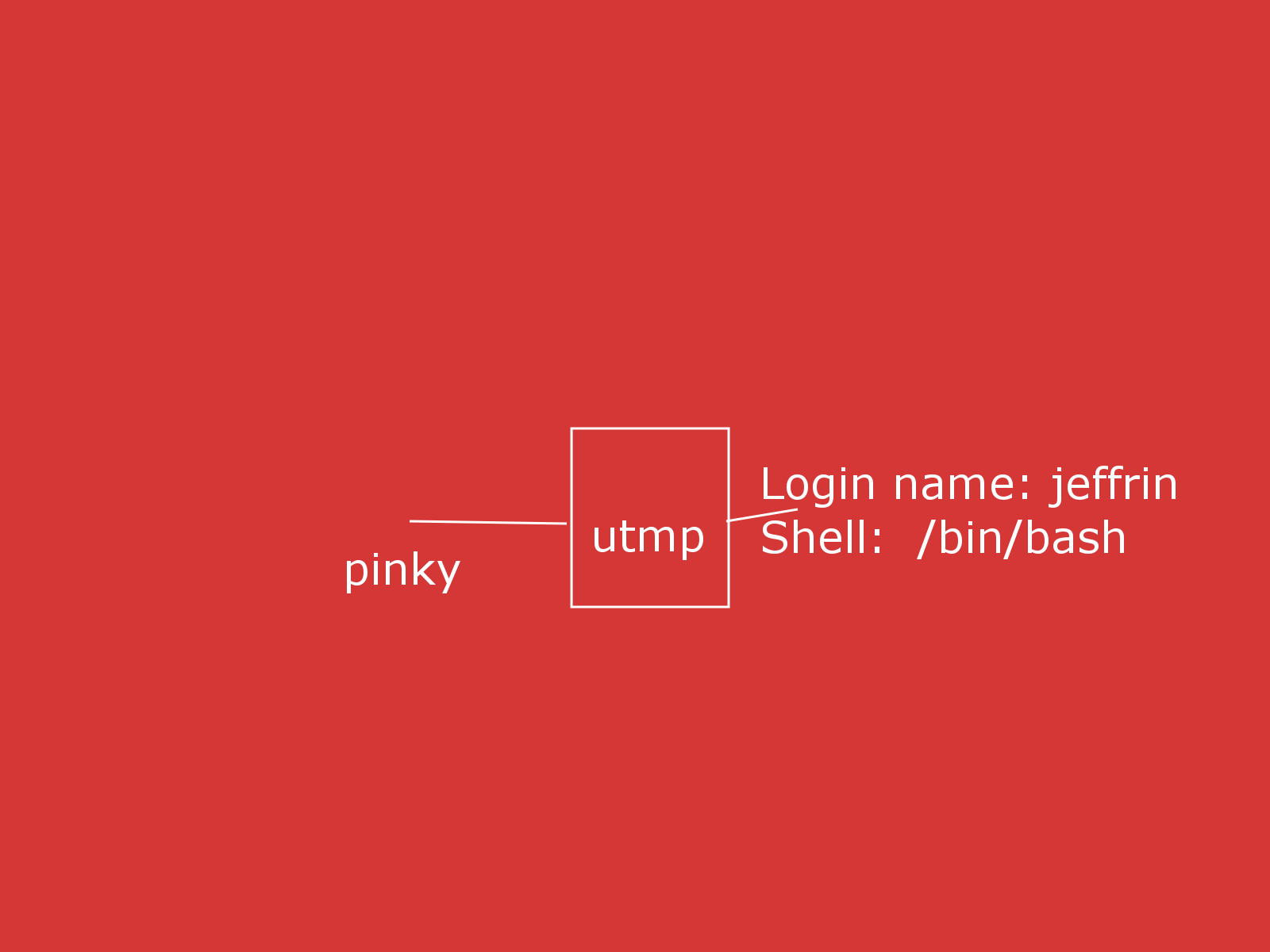
$pinky -l jeffrin
Login name: jeffrin In real life: Jeffrin Jose
Directory: /home/jeffrin Shell: /bin/bash

$pinky -f jeffrin
jeffrin Jeffrin Jose *tty7 00:29 2010-09-27 15:33 :0
jeffrin Jeffrin Jose *pts/0 2010-09-27 15:40 :0.0
jeffrin Jeffrin Jose pts/1 00:01 2010-09-27 16:00 :0.0
$pinky -w jeffrin
Login TTY Idle When Where
jeffrin *tty7 00:30 2010-09-27 15:33 :0
jeffrin *pts/0 2010-09-27 15:40 :0.0
jeffrin pts/1 00:01 2010-09-27 16:00 :0.0
$
A lightweight `finger' program; print user information.
The utmp file will be /var/run/utmp.

Reference/Source :
Debian manual for "pinky".

comm – compare two sorted files line by line


$comm sorta.txt sortb.txt
d
g
comm: file 1 is not in sorted order
e
s

x
comm: file 2 is not in sorted order
g
s
n

$cat sorta.txt
d
g
e
s

$cat sortb.txt
x
g
s
n

$

$cat sorta.txt
a
b
c
d
$cat sortb.txt
a
f
g
h
$comm sorta.txt sortb.txt
a
b
c
d
f
g
h
$
comm - compare two sorted files line by line

With no options, produce three-column output.
Column one contains lines unique to FILE1, column
two contains lines unique to FILE2, and column three
contains lines common to both files.

Reference/Source :
Debian manual for command "comm".

nl – number lines of files


$cat workethics.txt
Work
ethics
in
QA
Fashion

$nl workethics.txt > newfile
$cat new
new newfile
$cat newfile
1 Work
2 ethics
3 in
4 QA
5 Fashion

$
nl - number lines of files
Write each FILE to standard output, with line numbers added.
With no FILE, or when FILE is -, read standard input.

Reference/Source :
Debian Manual for "nl" command.