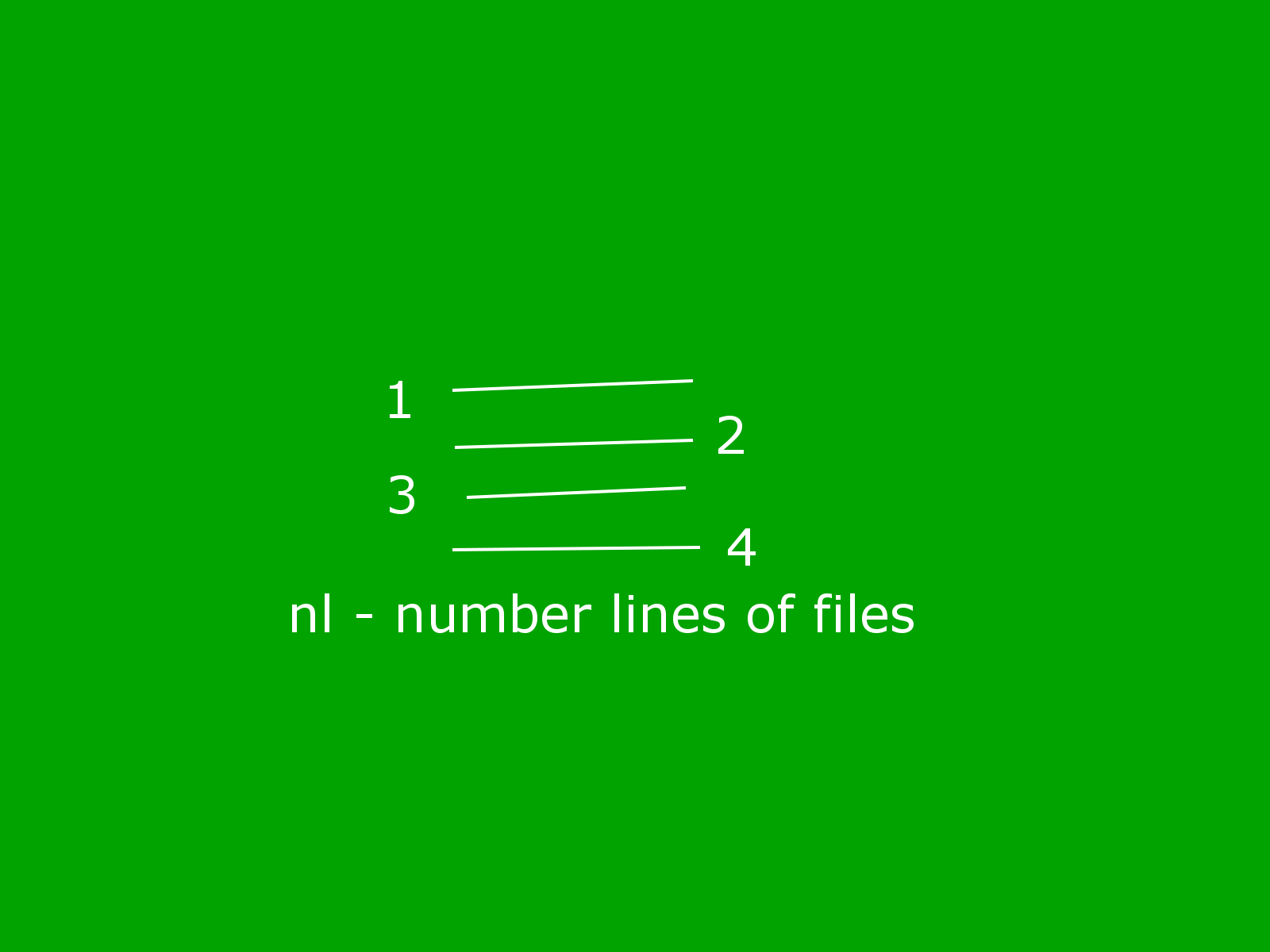
nl – number lines of files


$cat workethics.txt
Work
ethics
in
QA
Fashion

$nl workethics.txt > newfile
$cat new
new newfile
$cat newfile
1 Work
2 ethics
3 in
4 QA
5 Fashion

$
nl - number lines of files
Write each FILE to standard output, with line numbers added.
With no FILE, or when FILE is -, read standard input.

Reference/Source :
Debian Manual for "nl" command.
cut –help


$cat workethics.txt
Work ethics in QA Fashion

$cut -c1-5 workethics.txt
Work

$cut -c1 workethics.txt
W

$cut -f1 workethics.txt
Work ethics in QA Fashion

$cut -b1 workethics.txt
W

$cut -b2 workethics.txt
o

$cut -b0 workethics.txt
cut: fields and positions are numbered from 1
Try `cut --help' for more information.

cut - remove sections from each line of files
-c, --characters=LIST
-b, --bytes=LIST select only these bytes
select only these characters
$

Reference/Source :
Debian Manual for "cut" command.

Note: http://lowfatlinux.com/linux-columns-cut.html

octal dump.


$cat workethics.txt
Work ethics in QA Fashion$
$od workethics.txt
0000000 067527 065562 062440 064164 061551 020163 067151 050440
0000020 020101 060506 064163 067551 000156
0000031
$od -N 21 workethics.txt
0000000 067527 065562 062440 064164 061551 020163 067151 050440
0000020 020101 060506 000163
0000025
$od -N 22 workethics.txt
0000000 067527 065562 062440 064164 061551 020163 067151 050440
0000020 020101 060506 064163
0000026
$od -N 23 workethics.txt
0000000 067527 065562 062440 064164 061551 020163 067151 050440
0000020 020101 060506 064163 000151
0000027
$od -N 24 workethics.txt
0000000 067527 065562 062440 064164 061551 020163 067151 050440
0000020 020101 060506 064163 067551
0000030
$od -N 25 workethics.txt
0000000 067527 065562 062440 064164 061551 020163 067151 050440
0000020 020101 060506 064163 067551 000156
0000031
$
od - dump files in octal and other formats
-N, --read-bytes=BYTES
limit dump to BYTES input bytes

Write an unambiguous representation, octal bytes
by default, of FILE to standard output. With more
than one FILE argument, concatenate them in the
listed order to form the input. With no FILE, or when
FILE is -,read standard input.

Reference/Source :
Debian manual for command od.

gcov code coverage


$vi hey.c
$gcc -fprofile-arcs -ftest-coverage hey.c
$./a.out
Hey :)
$gcov hey.c
File 'hey.c'
Lines executed:100.00% of 3
hey.c:creating 'hey.c.gcov'

$cat hey.c.gcov
-: 0:Source:hey.c
-: 0:Graph:hey.gcno
-: 0:Data:hey.gcda
-: 0:Runs:1
-: 0:Programs:1
-: 1:#include
1: 2:main()
-: 3:{
1: 4:printf(" Hey :) \n");
1: 5:}
$


The ".gcov" files can be examined using a normal editor. The first
column is the number of times that the line is executed. A decimal
number indicates the number of times that the line of code executes, a
'-' means that it is no code is generated for the line, and "#####"
indicates the generated code was not executed at all. To the right of
the first ':' is line number the remainder of the line is the source
code.

Reference/Source :
http://sourceware.org/ml/systemtap/2006-q1/msg00056.html
http://gcc.gnu.org/onlinedocs/gcc/Invoking-Gcov.html#Invoking-Gcov

detex for tex.

detex – a filter to strip TeX commands from a .tex file.


$cat resume.tex
\documentclass[10pt,a4paper,twocolumn]{article}
\date{}
\usepackage{amsmath}
\setlength\topmargin{0in}
\setlength\headheight{0in}
\setlength\headsep{0in}
\setlength\oddsidemargin{0in}
\setlength\evensidemargin{0in}
\begin{document}
\title {\texttt{R\'{e}sum\'{e}}}
\maketitle
\section*{\texttt{IDEA}}
\texttt{Work for student community} \\

output after detex resume.tex | more


[10pt,a4paper,twocolumn]article

amsmath
0in
0in
0in
0in
0in

Resume

*IDEA
Work for student community
to help acquire knowledge.
*Experiance
*Project Member
GNU Source Installer
www.gnu.org/software/sourceinstall
GNU Source Installer is a source package manager for Unix-likes.
*February 2004 - March 2005
Scientific Assistant.
Division of Computing Sciences.